
Bgrenon
wiki markup with image and note
- In Genesys Administrator Extension, open Configuration Manager.
- Hover over the Environment image and select Applications in the pop-up menu. The Applications list appears
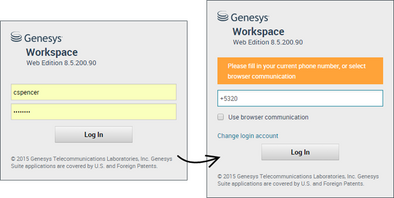
- Select the GAX Application object and click Edit. The Application details page appears:
- Subtext
- Subtext2
- Click the Application Options tab to see configuration options for the GAX Application object.
- ImportantTEST
- Step five.

Comments or questions about this documentation? Contact us for support!